01 · On your keys
Always with you
Your tag stays with you every day, where an emergency notice can be reached when it matters.
 TierDa.
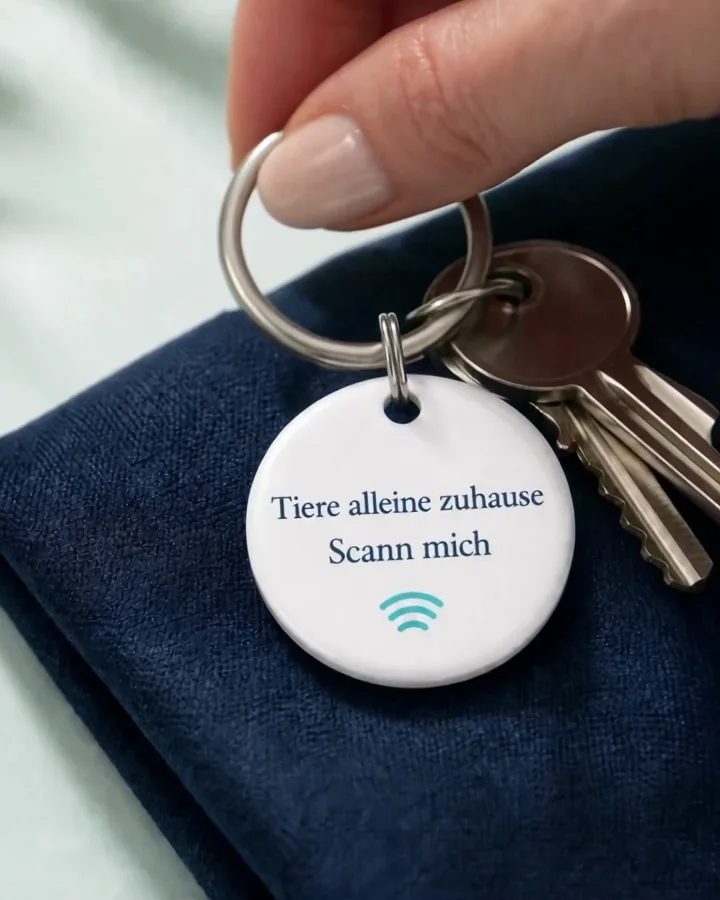 Personal emergency profileProduct video
Staged illustration · NFC or the QR code opens the shared information; the tag has no light or GPS signal.
The round TierDa personal emergency tag provides a calm, clear notice: Pets at home need help.
CHF 49.90
per year · incl. VAT1 emergency profile + 1 product
Your personal emergency profile includes one card or keyring. Extra cards and keyrings open the same profile – no new profile needed.
Annual profile amountCHF 49.90 per year
You can still buy separate emergency profiles for other people. Extra products do not count as new profiles in the quantity tier.
Sign in to the shop to select a previously ordered emergency profile. Shop access remains separate from tierda.me.
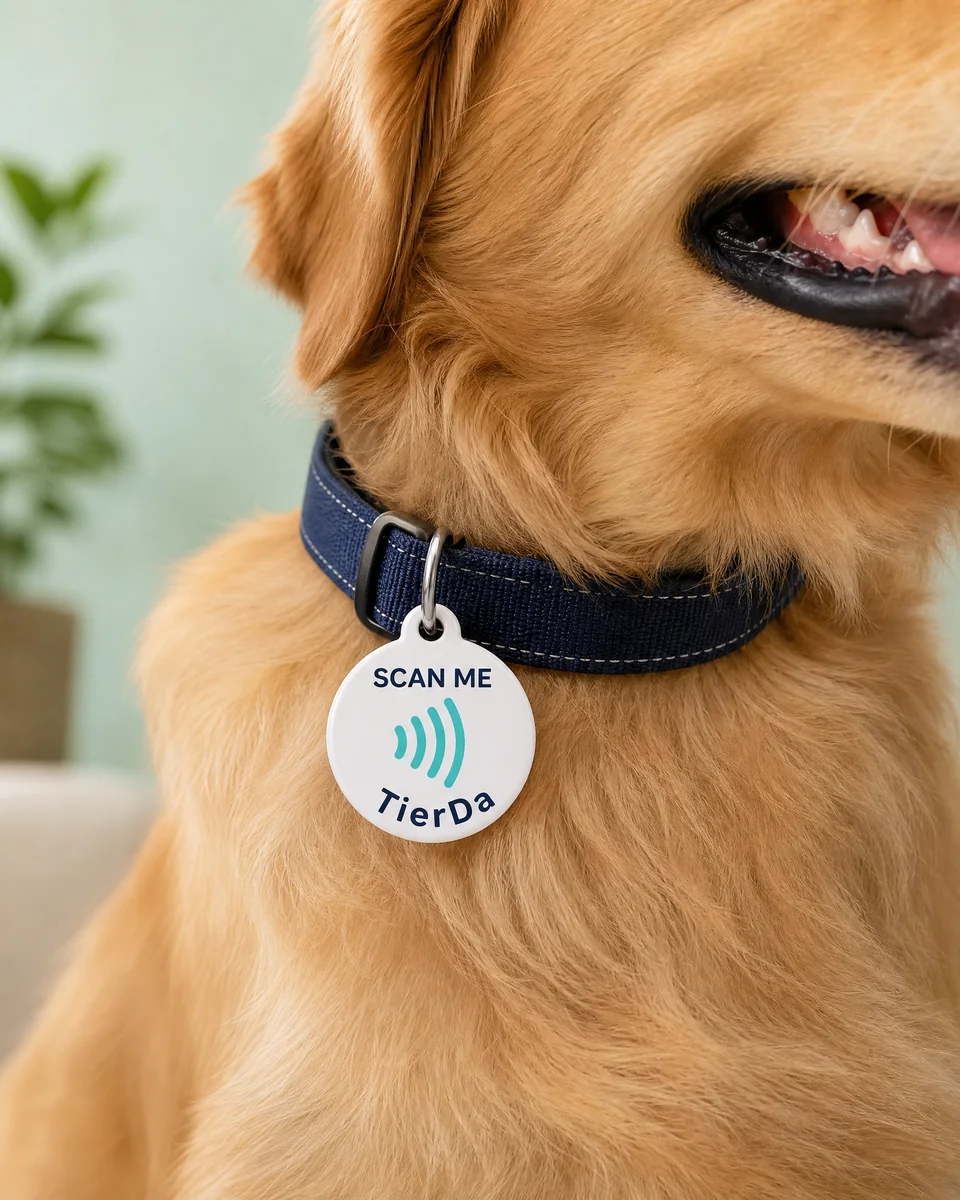
So finders can open the animal profile directly via NFC or QR code.
Automatically calculated in the same TAG tier.
Front and back
NFC and the QR code open the same TierDa profile. Helpers can use whichever route works best with their smartphone.
An individual QR code is created for every tag.
Three calm steps
Not loud, not complicated. Just a notice for the moments when you cannot give it yourself.
01 · On your keys
Your tag stays with you every day, where an emergency notice can be reached when it matters.
02 · NFC & QR
Helpers see a clear note about pets at home and only the information you have chosen to share.
03 · Care
A shared contact can be informed and coordinate care for the animals.
Your choice
Private by default
Address, contact details and access notes are not published automatically.
Share individually
You choose for every detail whether it may be visible after a scan.
Activate securely
Connect the TAG to your portal account by scanning it. A secret one-time code can be used as an alternative activation method.
No secret codes
Door, key and alarm codes never belong in an emergency profile.
Dogs, cats and other pets can be added directly in the personal emergency area. This tag usefully complements the TierDa return-home tag – it does not replace it.
Discover animal-profile tagQuick answers
Clearly explained, so that you can decide calmly.
Yes. Remove the TAG from your account in the TierDa protection portal tierda.me. First unlink an animal TAG from its animal profile; an emergency keyring or card can be removed directly in section 3. You receive a new activation code, which you can copy or print and pass on together with the TAG. The old code is then invalid. Your profiles stay stored in your account and are not transferred. The new connection is private initially.
Watch the step-by-step video (in German) (opens in a new tab)No. The personal emergency tag is a separate product. Animals can be added directly in the personal emergency profile.
Yes. The return-home tag and personal emergency tag can be bought separately. Manage orders in the shop, and animal profiles, tags and emergency details in the TierDa protection portal.
Only the information you have consciously shared: a notice about pets at home, animal names and types, address, emergency contact or general notes.
No. The address stays private by default. You need to activate it separately in the customer area.
The scan address is public. The secret one-time code prevents someone else from taking over your tag through the scan address alone.